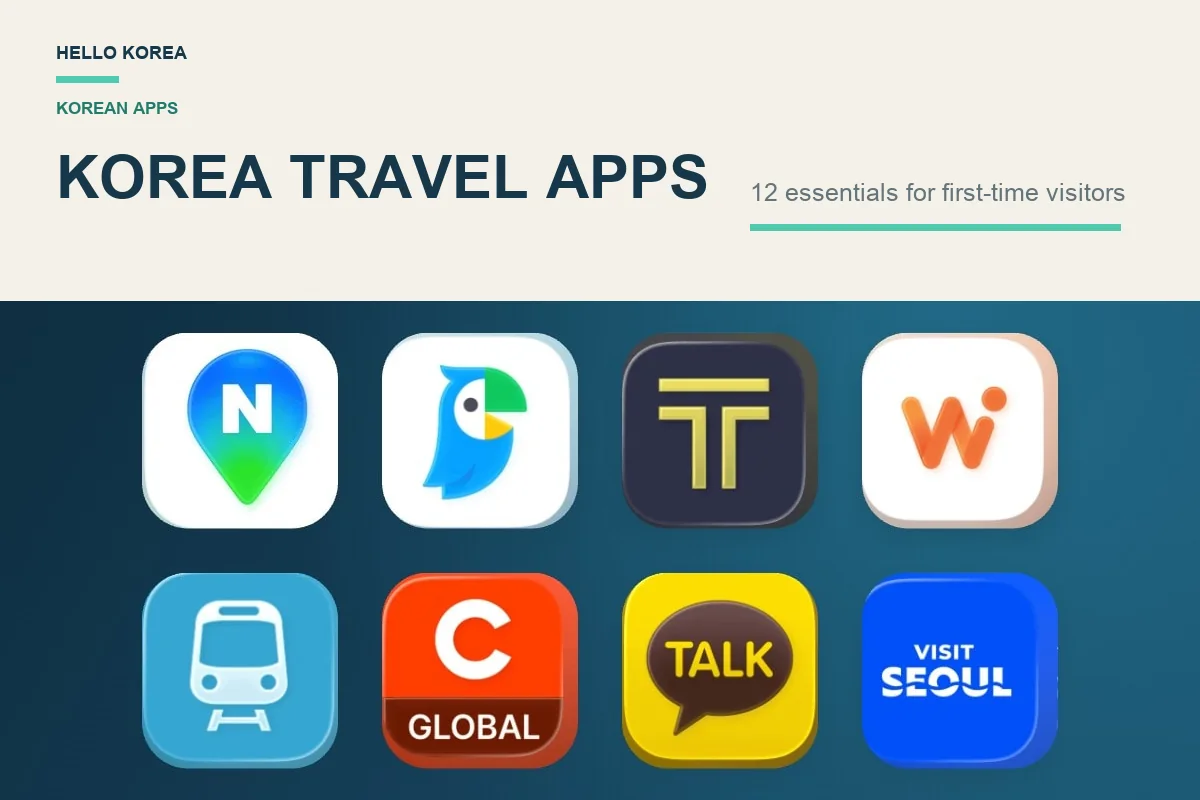
For a first trip to Korea, prepare NAVER Map, a translation app and one taxi option you can actually set up. A transport card is separate from the app list. Add restaurant, delivery or payment tools only when your itinerary needs them.
This guide helps you decide what to install and what to check before departure. It is not a measured ranking of every app. The linked hands-on guides show the device, date and stages checked; an available payment button is not proof that an overseas card will be accepted.
Start with the tools for your first journey
Quick answer: For a first trip to Korea, start with a navigation app, a translation app, one taxi app, and a transport card. If you are not sure which card, compare Climate Card vs T-money first. You do not need to download every app on this list before you fly.
| What you need | Start with | Why it matters |
|---|---|---|
| Directions and public transport | NAVER Map | Useful for finding places and planning routes. |
| Translation | Papago | Helpful for menus, signs, and simple conversations. |
| Taxi rides | Kakao T or k.ride | Choose the one that works best with your setup; see our Kakao T vs. k.ride comparison. |
| Subway and bus fares | T-money card | A practical transport essential, even though it is not an app. |
What to check before departure
| Tool | Start without an account? | Before relying on it |
|---|---|---|
| NAVER Map | Search and routes do not need sign-in | Search your hotel, compare the branch and test one transit route. Saving places needs an account. |
| Papago | Our iPhone offline text/voice test did not need sign-in | Download and test supported packs; image and conversation translation still need a connection. |
| Kakao T / k.ride | Complete the supported signup flow first | Finish your own number and payment setup. Our screenshots do not prove an overseas card registration or completed ride. |
| CATCHTABLE GLOBAL | Use its supported visitor signup options | Check the branch and whether it offers reservation, remote waiting or on-site registration. |
| Baemin | Guest checkout was visible in our iPhone check | A verification-capable number and accepted payment method are still needed. Overseas SMS and foreign-card payment were not completed in that check. |
For official downloads, use the service links below and confirm the developer in your app store. Visit Seoul is a website option; WOWPASS is a card with an app, and eSIM providers sell connectivity. They are not all interchangeable app downloads.
1. NAVER Map — places and local routes

If you download only one app before your trip, make it Naver Map.
Use NAVER Map for the place-search and routing workflow shown in our guide. Google Maps also supports useful tasks; availability depends on the mode and journey. See the dated Google Maps route checks for specific examples.
Why tourists love it:
- Real-time subway routes
- Bus arrival information
- Walking directions
- Restaurant reviews from locals
- English support
This is especially useful when searching for hidden cafés, local restaurants, or navigating busy areas like Seoul, Busan, or Hongdae.
Use for: Navigation, restaurants, transit
If you are unsure which map app to use, read our full NAVER Map guide for Korea.
2. Papago — text, menu photos and conversations

Language barriers can make travel stressful.
Papago provides text, image, voice and conversation translation. Choose the tool that matches the text or exchange you need to understand.
Useful features:
- Text translation
- Voice translation
- Real-time conversation mode
- Camera/image translation
- Offline language packs
Use image translation to read a small menu section, then confirm the dish, quantity and any important ingredients with staff. Offline language packs do not enable offline menu-photo translation.
Use for: Menus, shopping, communication
3. Kakao T — a taxi option to set up before travel

Need a taxi after a late dinner? Airport transfer? Rainy-day ride?
Use Kakao T.
Kakao T provides taxi requests in Korea; check the service and payment options offered to your account.
Features:
- Fare estimate before booking
- Real-time driver tracking
- Easy pickup pin placement
- Reliable local taxi access
The app can show the pickup point and vehicle information. Confirm the plate and the roadside pickup location before boarding; this guide does not establish that app-booked taxis are safer than other licensed taxis.
Use for: Airport travel, late-night rides
4. k.ride – Taxi App Made for Foreign Tourists

k.ride was designed with international travelers in mind and presents several sign-up and payment paths in its interface.
If Kakao T feels complicated due to account, payment, or language setup, k.ride may be easier to try first. Card approval, phone verification, and available options can still vary by account, country, card issuer, and app version.
Not sure which taxi app to try first? Compare Kakao T and k.ride for visitors.
Why travelers like it:
- Foreign-issued card options
- English-friendly interface
- Tourist-focused onboarding
- Google, Apple, email, and phone-number sign-up options shown in our test
Before relying on it: Complete sign-up, register a payment method, and search one real destination before your trip.
Use for: Short-term tourists
5. WOWPASS — an optional payment card and app

South Korea is increasingly cashless.
WOWPASS has become one of the most useful tools for international travelers because it combines several travel essentials into one.
Functions:
- Prepaid payment card
- Currency exchange
- Transportation card
- App balance management
WOWPASS payment balance and the built-in T-money transit balance are separate. Loading the payment balance does not automatically load T-money: check and top up the transit balance separately before riding. See the official WOWPASS guide for current top-up options.
Use for: Shopping, transit, convenience stores
You can check the official WOWPASS website to see how the card works, where to reserve it, and how it can be used for cashless payments in Korea.
6. Subway Korea — an optional rail-planning tool

Korea’s subway systems are efficient—but can feel overwhelming at first.
Subway Korea helps with:
- Real-time train schedules
- Fast transfer routes
- First and last train times
- Station route planning
Especially useful in:
- Seoul
- Busan
- Daegu
- Daejeon
Use for: Public transportation
7. Catch Table Global – Restaurant Reservation App

Planning to visit trendy Korean BBQ restaurants or popular Seoul cafés?
Reservations matter.
CATCHTABLE GLOBAL offers visitor signup and booking options at participating restaurants. A listing, account or waitlist is not a confirmed reservation; check the exact branch and its conditions.
Perfect for:
- Fine dining
- Korean BBQ
- Omakase
- Viral social media restaurants
Use for: Foodies
8. Baemin or Shuttle – Food Delivery in Korea


Delivery can be useful when a service covers your accommodation and supports your contact and payment setup.
Craving fried chicken at midnight? Korean tteokbokki? Convenience items?
Delivery apps make it easy.
Baemin
Pros:
- Huge restaurant selection
- Local restaurant listings
- English app option since February 2026
- Guest checkout with a Foreign Card option
Cons:
- Some menus and promotions stay in Korean
- Guest orders need a phone number that can receive a verification code
Step by step, with screenshots: how to use Baemin as a foreigner.
Shuttle
Pros:
- English support
- Check the current international-card options for your order
- Check signup and delivery coverage before ordering
Use for: Hotel or Airbnb stays
9. KakaoTalk – Korea’s Essential Messaging App

Almost everyone in Korea uses KakaoTalk.
Useful for:
- contacting hosts
- tour bookings
- chatting with Korean friends
- restaurant communication
Some Korean businesses respond faster on Kakao than email.
10. Visit Seoul — official visitor information

For official Seoul travel information, you can also check the Visit Seoul website before your trip.
Use the official Visit Seoul website for current attraction and event information. Check the official site for any app download rather than relying on an old app listing.
Features:
- attractions
- events
- exhibitions
- suggested itineraries
- tourism support info
Use for: first-time Seoul visitors
11. eSIM Apps (Airalo / Nomad / Ubigi)
Maps, ride requests and live queue updates usually need connectivity. Prepare any supported offline functions separately.
Before buying an eSIM, check that your phone is unlocked and supports the plan. Data-only plans do not necessarily provide a number or receive verification texts.
You’ll need data for:
- maps
- taxis
- payments
- translation
- reservations
Arrange connectivity before relying on live route, taxi or reservation updates.
12. Google Translate (Backup Option)
Google Translate can be a useful backup for another language or a second interpretation. This guide does not establish that either translator is always more accurate.
Especially useful when:
- translating uncommon languages
- handling mixed-language content
- quick web translation
Quick Download Checklist Before Flying to Korea
Start with navigation, translation and a taxi option if needed. Add payment, delivery or reservation tools for a specific use.
Starter checklist — choose for your trip:
✅ Naver Map
✅ Papago
✅ Kakao T or k.ride
✅ WOWPASS — optional payment card
✅ KakaoTalk — if your contacts use it
✅ Your mobile-data provider’s app — if needed
Nice to have:
✅ Subway Korea
✅ Catch Table Global
✅ Food delivery app
✅ Visit Seoul website
FAQ
Is Google Maps enough for Korea?
Check the exact route and travel mode. Our linked Google Maps guide documents dated route tests; keep a local route app available if your requested mode is missing.
Can foreigners use Kakao T?
Yes, but setup can sometimes be trickier depending on payment method.
Do I need WOWPASS in Korea?
Not always, but it’s useful if your foreign card has issues or you want simpler transit/payment management.
What is the best translation app for Korean?
Papago offers text, image, voice and conversation tools. Choose by the language pair and task, and check important details rather than assuming one app always wins.
Which app is best for Korean food delivery?
Our iPhone check showed English screens and guest checkout with a Foreign Card option in Baemin — see our Baemin guide. Shuttle is also built with foreign visitors in mind.
What are the best Korea travel apps for first-time visitors?
Start with NAVER Map, Papago, and one taxi app. WOWPASS is an optional payment card; KakaoTalk and a mobile-data provider’s app depend on your contacts and data setup.
Final Thoughts
The easiest way to make Korea travel smoother?
Download your essential apps before your flight.
The biggest mistake tourists make is landing first and trying to figure everything out on airport Wi-Fi.
Set up your apps early, and your trip becomes much easier
For local transport, also read our T-money card guide for Seoul.
Official service links: NAVER Map · Papago · Kakao T · k.ride · CATCHTABLE GLOBAL · Visit Seoul · WOWPASS.

Leave a Reply