Korean Apps
Essential Korean travel apps for maps, taxis, translation, payments, and getting around South Korea.
-

Restaurant Waitlists in Korea Without a Korean Phone Number
Quick answer: You can join restaurant waitlists in Korea without a Korean phone number where the restaurant offers CATCHTABLE GLOBAL waitlisting. Open the exact restaurant and branch, then check whether it offers a remote waitlist or requires registration on arrival. A tablet asking for a Korean number does not mean that every visitor has the…
-

How to Use Papago in Korea: Menus, Signs and Conversations
Use Papago to read Korean menus and signs, ask short questions and prepare offline translation before your trip. Includes practical tips and feature limits.
-
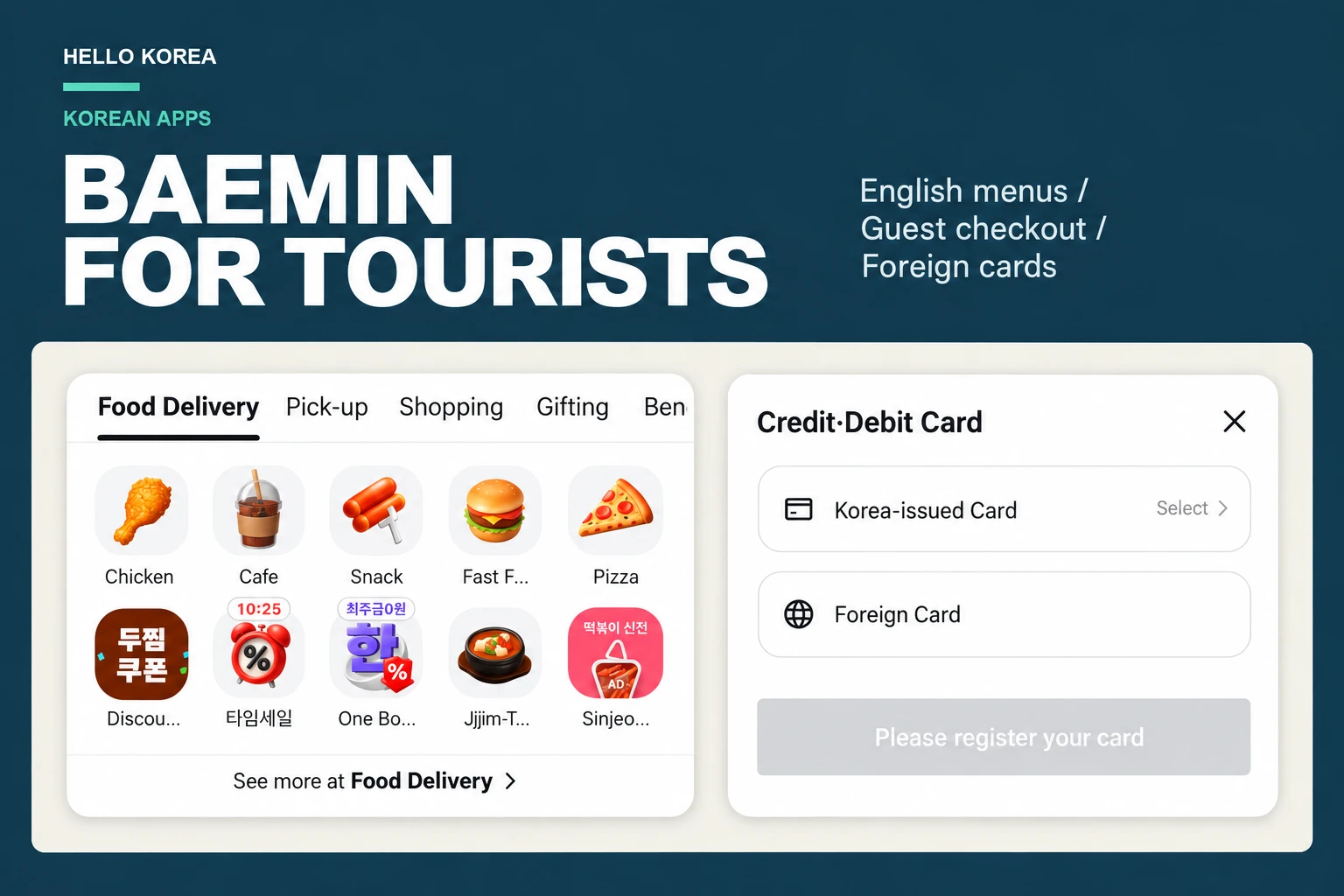
How to Use Baemin in Korea as a Tourist (2026): English & Guest Checkout
Use Baemin as a tourist: switch the app to English, order as a guest without an account, verify a phone number and choose Foreign Card at checkout. iPhone screenshots from October 2026.
-
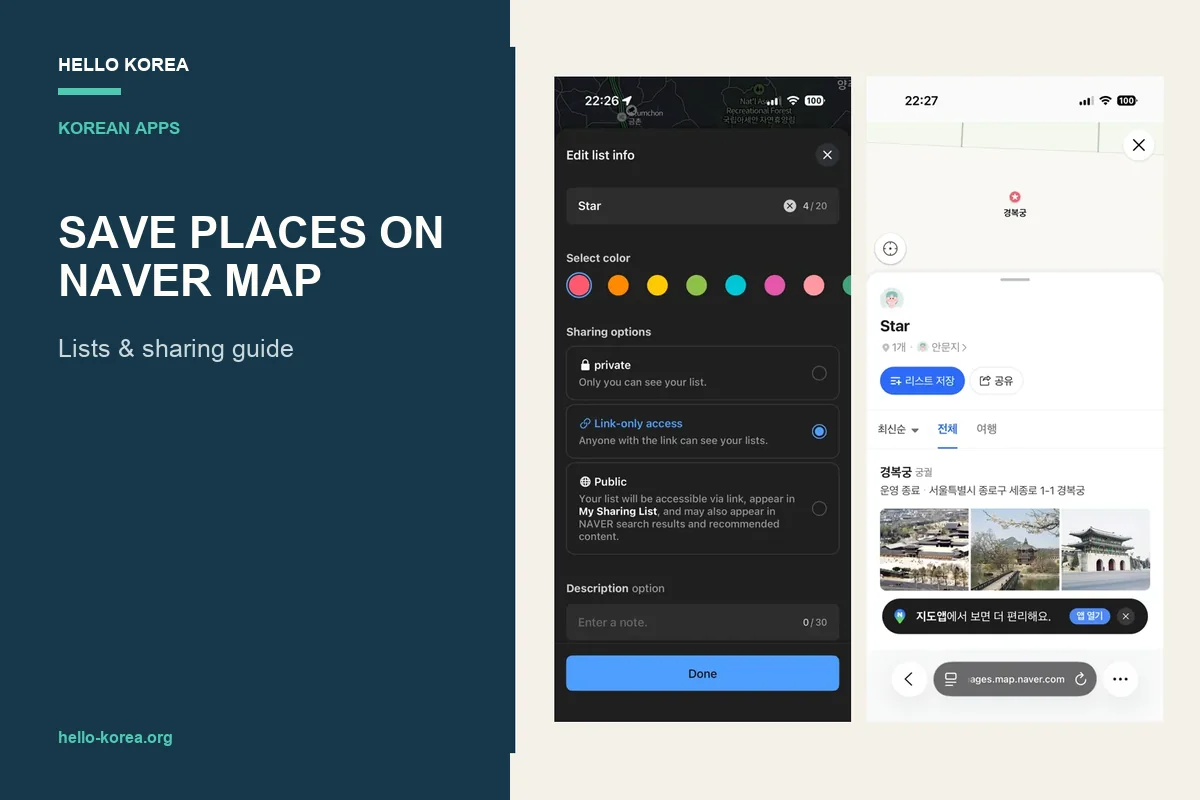
How to Save Places on NAVER Map and Share a List
Save places on NAVER Map, create a travel list and share it with friends. Includes iPhone screenshots and a public-list test in a private browser session.
-
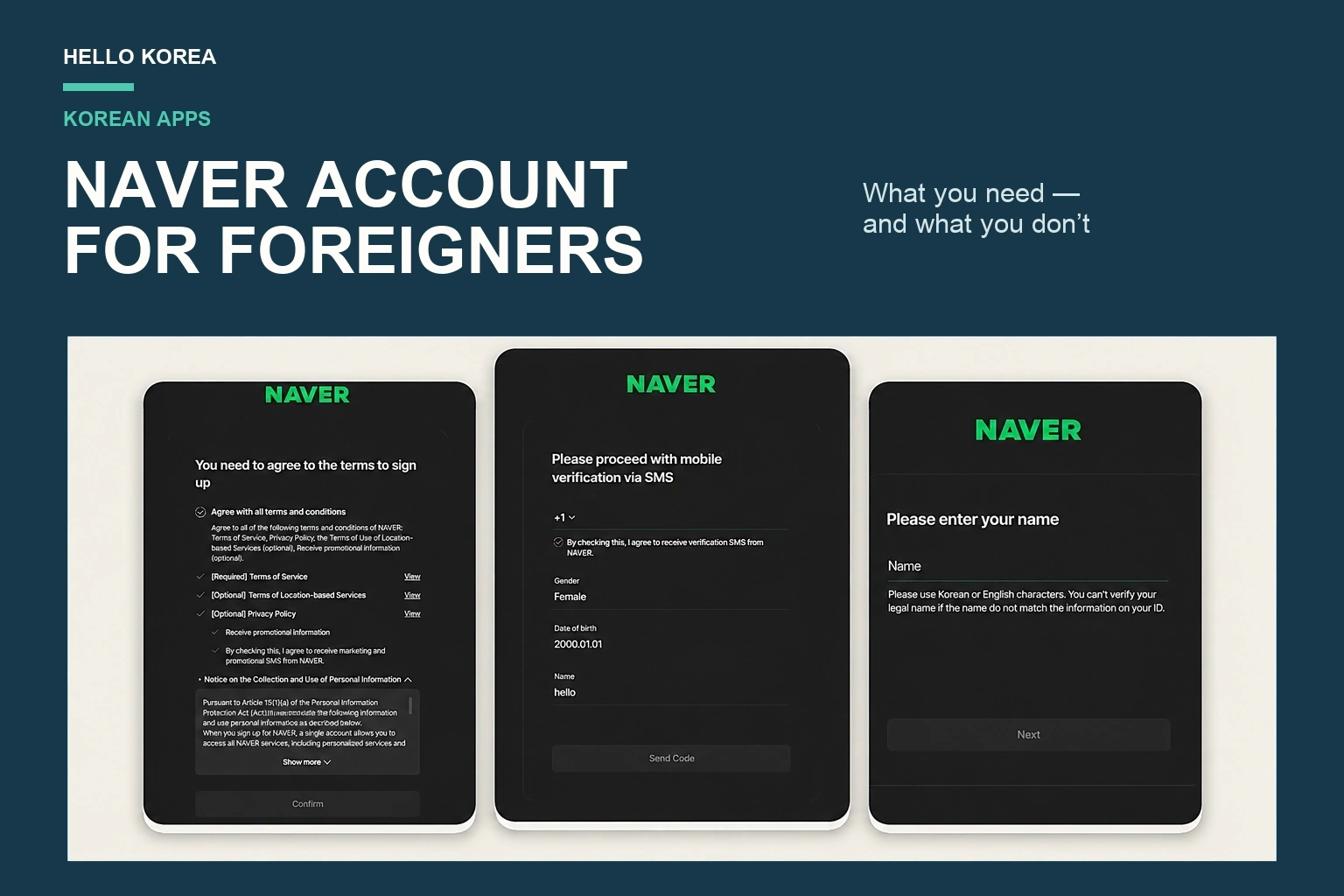
NAVER Account for Foreigners: Do You Even Need One?
Most visitors do not need a NAVER account at all. What needs one, how to sign up with a foreign phone number, and how passport verification works.
-
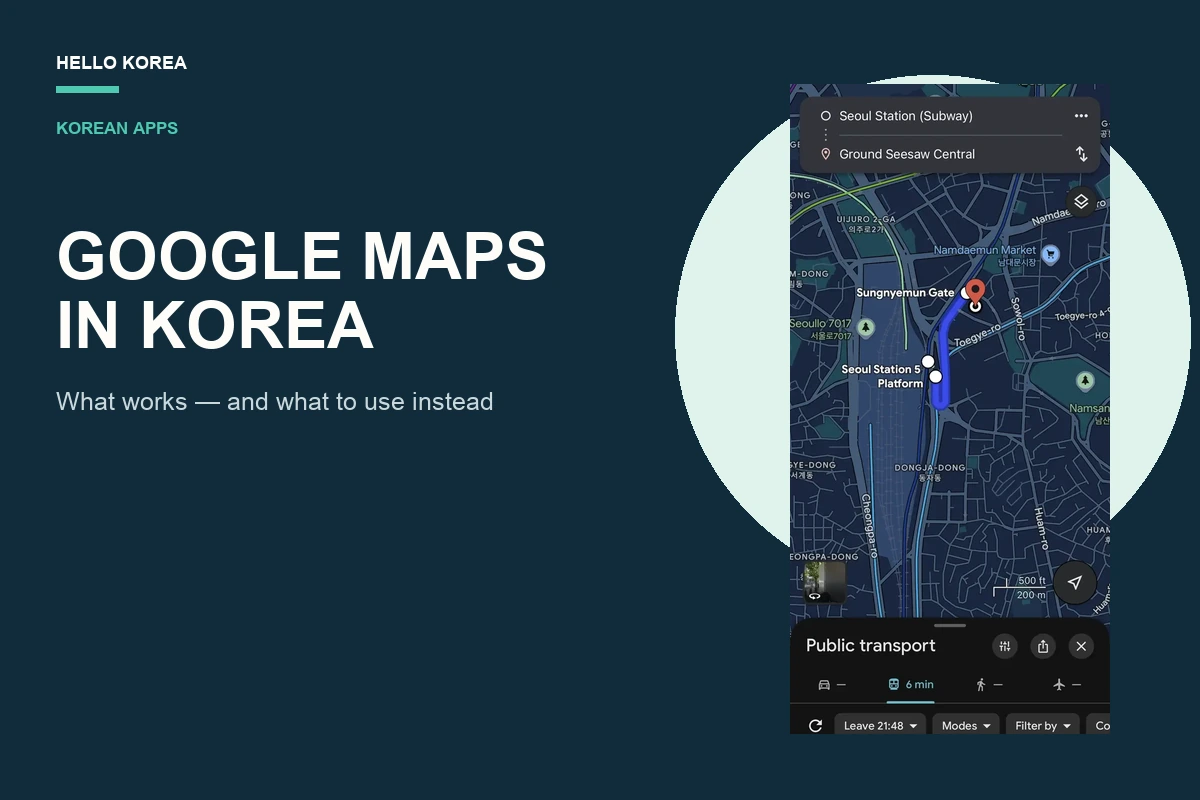
Does Google Maps Work in Korea? Available Features and Route Limits
Quick answer: Google Maps works in Korea for place searches, saved places, broad trip planning, and some public-transport results. The unreliable part is assuming that every walking or driving route will be available. Before leaving, choose the exact travel mode you need and test the full route. Keep NAVER Map installed as the local fallback.…
-
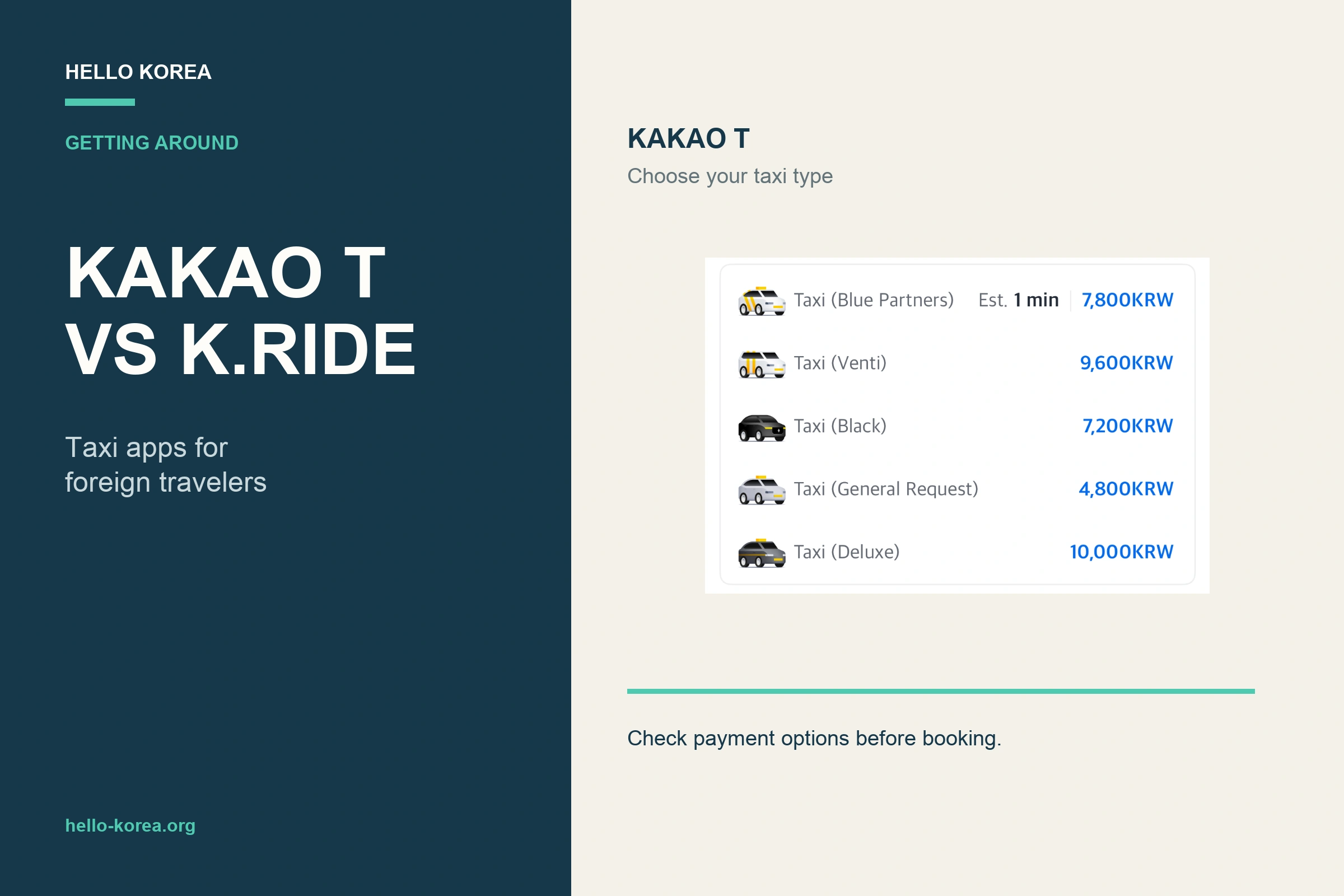
Kakao Taxi for Foreigners: Kakao T vs k.ride in Korea (2026)
When choosing between Kakao T and k.ride, the important question is not simply which taxi app is better. You usually need a taxi at the least convenient moment: after a late flight, in heavy rain, with several suitcases, or after the last subway has stopped running. That is not when you want to discover that…
-
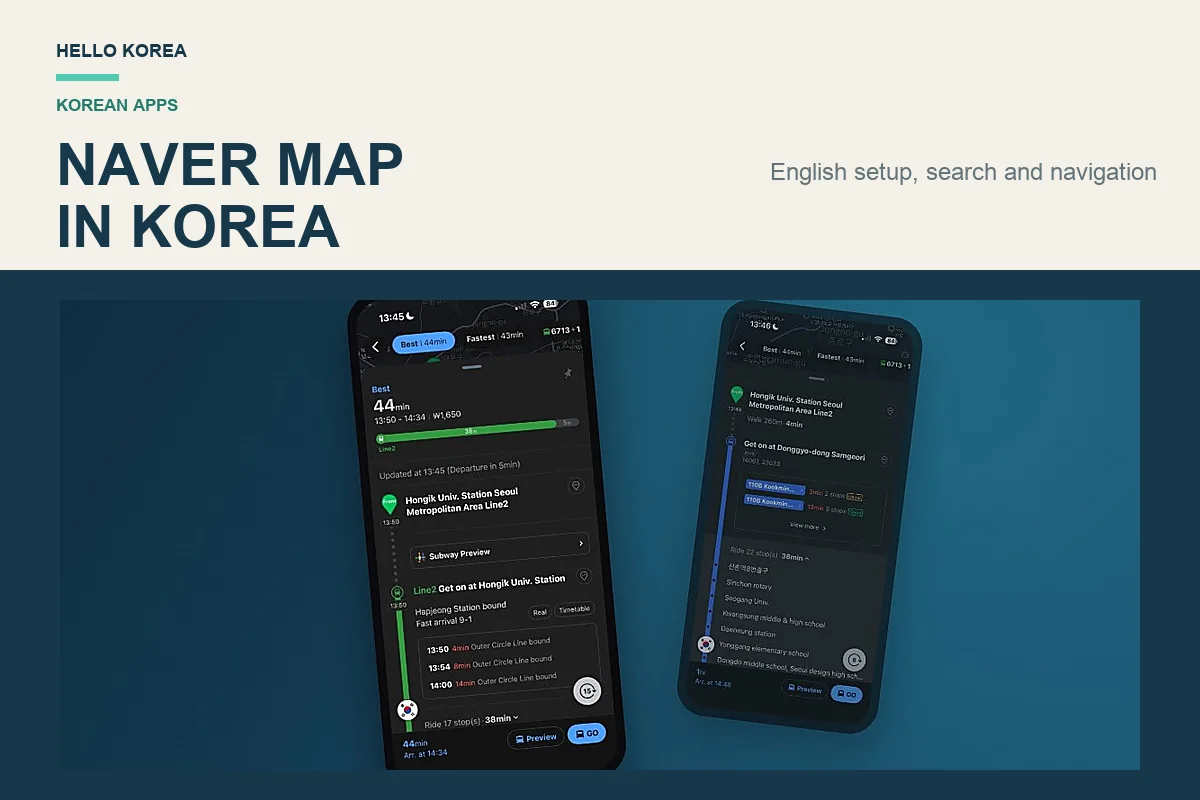
How to Use NAVER Map in Korea (2026): English Setup & Navigation
Quick answer: For NAVER Map English navigation in Korea, install the NAVER Map app, change the language to English, search for your destination by place name, tap Directions, and choose Public Transit or Walking. NAVER navigation shows subway exits, bus stops, arrival information, and the final walking route. If an English search does not find…
-
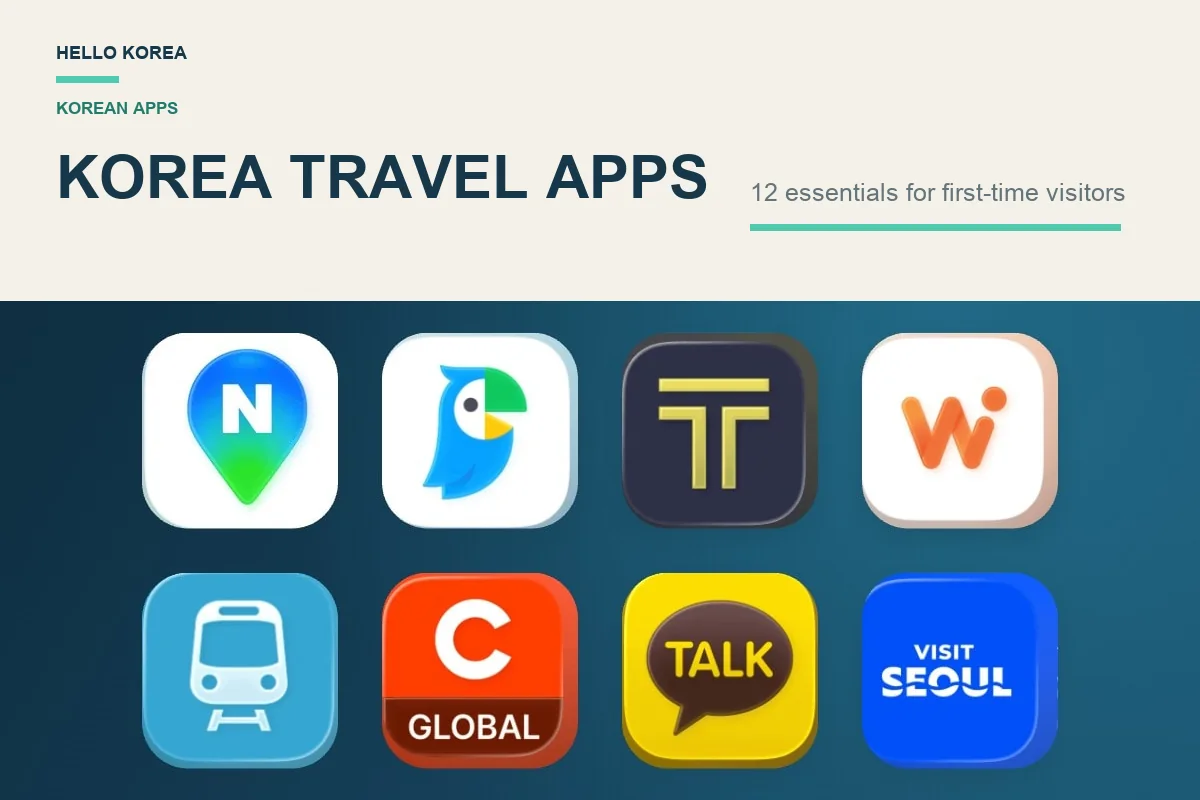
Korea Travel Apps for First-Time Visitors: What to Install and Check
For a first trip to Korea, prepare NAVER Map, a translation app and one taxi option you can actually set up. A transport card is separate from the app list. Add restaurant, delivery or payment tools only when your itinerary needs them. This guide helps you decide what to install and what to check before…

