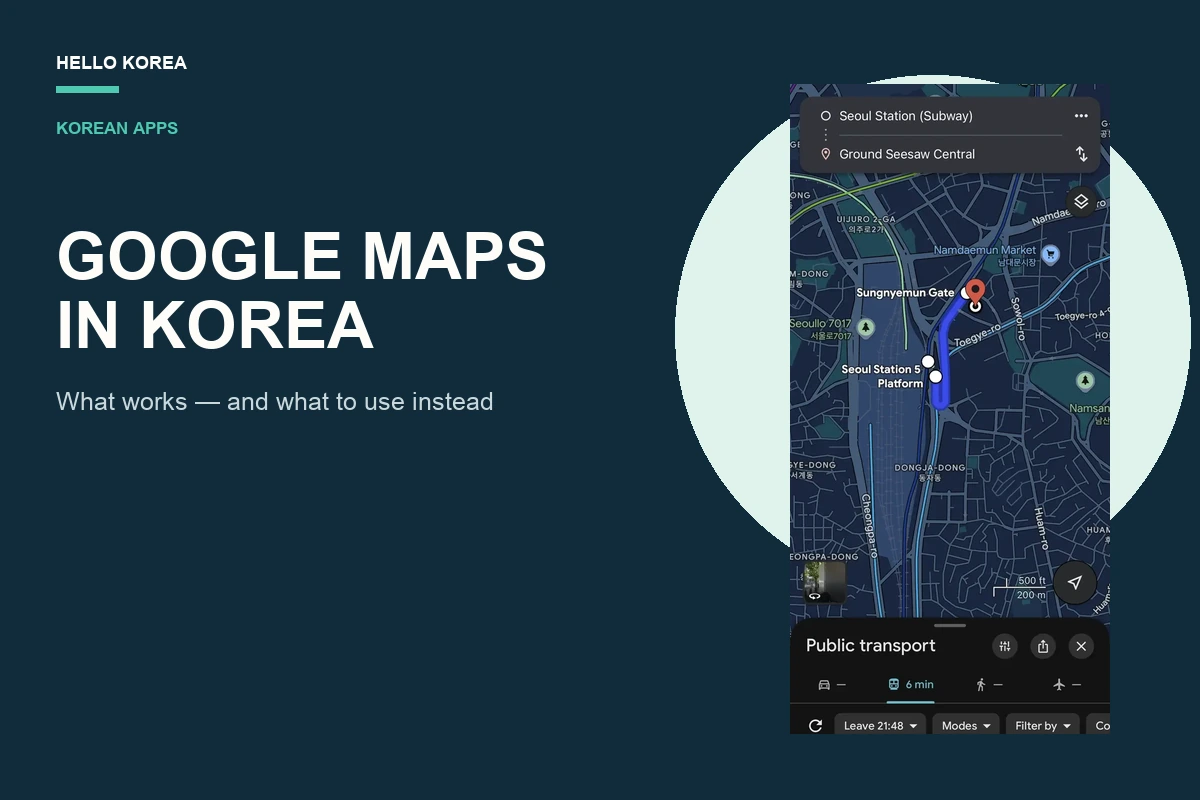
Quick answer: Google Maps works in Korea for place searches, saved places, broad trip planning, and some public-transport results. The unreliable part is assuming that every walking or driving route will be available. Before leaving, choose the exact travel mode you need and test the full route. Keep NAVER Map installed as the local fallback.
This is not a claim that Google Maps is useless in Korea. It is a practical warning about the gap between finding a place and receiving a usable route to it. In our August 31, 2026 checks, Google Maps returned public-transport directions for tested Seoul journeys, but one walking search returned an error and an airport-to-Seoul search did not show a driving route. App coverage can change, so treat those as dated tests rather than permanent rules.
What Google Maps Can and Cannot Do in Korea
| Task | Practical expectation |
|---|---|
| Find attractions, hotels and major businesses | Often useful |
| Save places and share a shortlist | Useful for planning |
| Public-transport directions | Available for many routes; check the details |
| Walking directions | Can be unavailable for a route; test the walking tab |
| Driving directions | Do not rely on them without testing the exact journey |
| Korean local listings and reviews | NAVER Map usually provides more local detail |
How to Use Google Maps Without Getting Stuck
1. Test the exact route before you leave
Search your real starting point and destination, then tap Directions. A place appearing on the map does not prove that walking, driving, or transit guidance is available. Check the complete route while you still have Wi-Fi, especially for an airport transfer, a late train, or a destination with several entrances.
For detailed search and language-setting steps, use our NAVER Map guide for Korea.
2. Choose the travel mode you are actually taking
Do not treat a public-transit route as a substitute for a walk, and do not treat a broad map pin as a car route. In the Seoul test below, Google Maps showed a six-minute public-transit option between Seoul Station and Ground Seesaw Central, but the walking tab returned “Can’t seem to find a way there.”
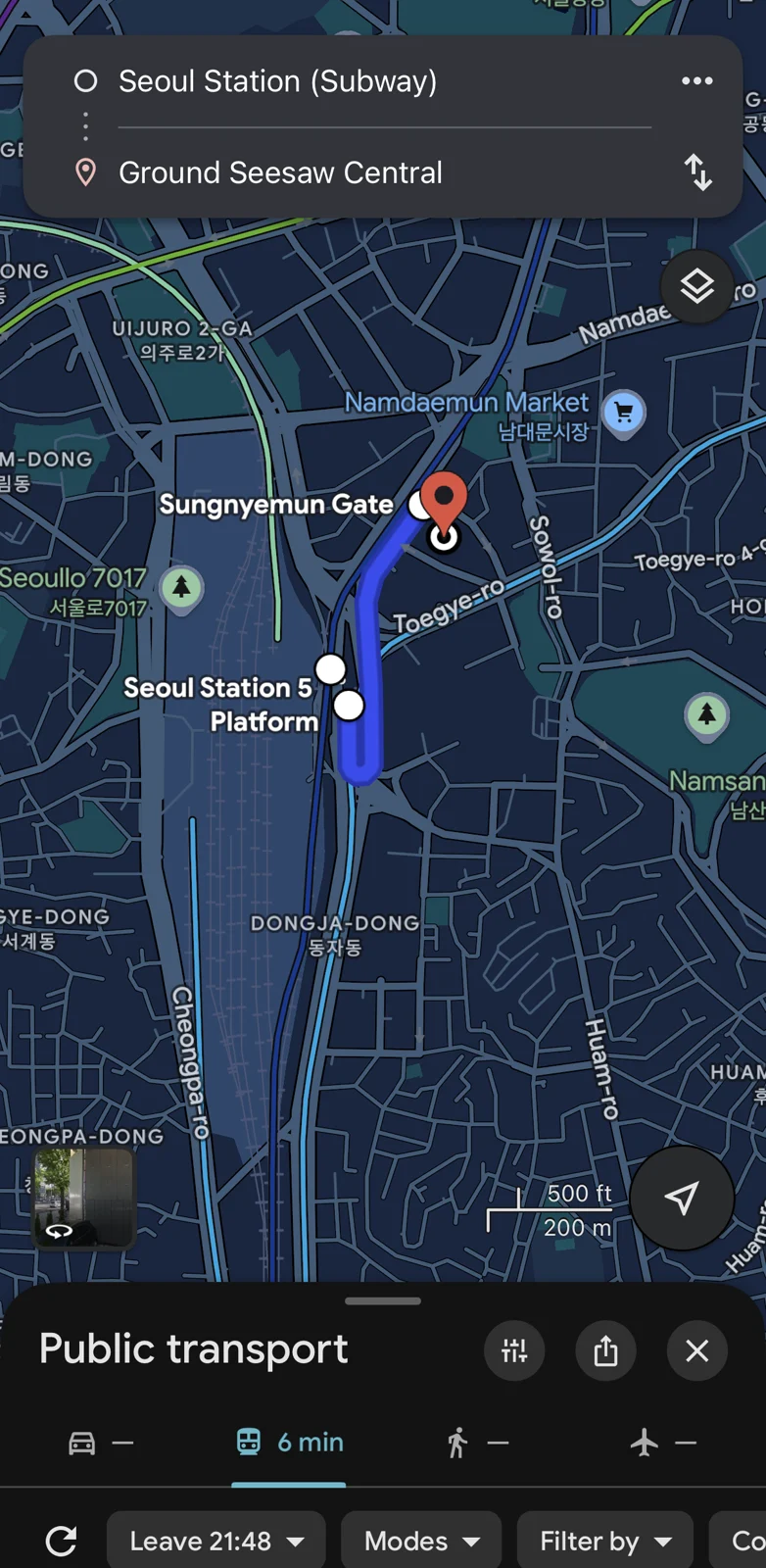
That does not prove that every walking route in Korea fails. It proves that a route can look usable until you select the specific mode you need. Test it before you set off.
3. Check the final few minutes
For a subway journey, confirm the station name and your destination side before you board. For a large attraction, hotel, mall, or train station, a route to the centre of the place is not always the entrance you need. For a taxi, use the correct entrance or roadside pickup point rather than a vague landmark pin. Our Seoul subway guide explains how to check the direction before you board.
If you decide a taxi is the better option, the next step is not another map search. It is choosing and setting up a ride app. See the Kakao T vs k.ride guide.
Why This Still Happens, and What Changed in 2026
This is not simply a temporary app bug. Korea has a map-data export and security-review framework that affects how foreign mapping services can use detailed national map data.
Google Korea said in its August 2025 explanation that its then-current Korea service used 1:5,000 map data for map display, while it was seeking permission to export data needed to implement directions. The Korean government later announced, on February 27, 2026, that it had approved Google’s export of 1:5,000 map data subject to strict security conditions.
The conditions include security processing, limits on coordinate display, and domestic processing by a Korean partner before restricted export. This is a policy change, not a public announcement that every Google Maps navigation mode is already live.
For the policy background, see the Ministry of Land, Infrastructure and Transport announcement, Google Korea’s map-data Q&A, and the Geospatial Information Management Act.
When Google Maps Is Still Worth Keeping
Google Maps remains useful as a planning companion:
- Save restaurants, attractions, hotels, and neighbourhoods before the trip.
- Share a place list with friends.
- Look at a broad area before deciding where to stay.
- Open a place page to see the information available there, then verify the journey in NAVER Map.
This two-app setup is less annoying than it sounds. It prevents the worst moment: being outside a station or hotel with luggage, seeing a place on the map, and discovering that the app cannot produce the route you need.
If you are assembling your phone before departure, see our best Korea travel apps list as well. It explains what to install alongside a local map app, a taxi app, and your payment setup.
Common Mistakes Visitors Make
Assuming a place search means navigation will work
Finding “Seoul Station” is not the same as receiving the mode-specific route you need. Tap Directions and choose walk, transit, or car before you leave Wi-Fi or your hotel.
Assuming one app must be universally better
Do not choose an app solely because it showed a shorter estimate once. Routes depend on the time, direction, terminal, transfer, and destination. The reliable rule is to use NAVER Map as the local navigation fallback and check your exact journey.
Using a giant destination pin for a pickup
At an airport, mall, palace, or major station, confirm the signed pickup zone or entrance. A taxi driver cannot collect you from “Incheon Airport” in the abstract. If you arrive at Incheon, follow the terminal signs to the official taxi area; use an app only after you know the correct pickup point.
Downloading offline maps expecting the problem to disappear
Offline downloads can help in some travel situations, but they do not guarantee that a Korea route mode unavailable in the live app will suddenly appear. Check the route before relying on it.
Waiting until arrival to install a Korean map app
Install NAVER Map while you still have time, change the language if needed, and search for your hotel once. That first small test is much easier at home than after a long flight.
Leaving without saving a fallback
Save your hotel, the first place you plan to visit, and a nearby station in both apps before the flight. It gives you a simple fallback if airport Wi-Fi is slow, your connection drops, or a place name has several similar results. You do not need to plan every minute of the trip. Just make the first journey easy.
Before You Leave: Korea Navigation Setup Checklist
- ☐ Install Google Maps if you use it to save places.
- ☐ Install NAVER Map as your Korea navigation backup.
- ☐ Search for your hotel in both apps once.
- ☐ Test one route from the hotel to a planned attraction.
- ☐ Install a taxi app if you may need one: Kakao T or k.ride.
- ☐ Read the T-money guide if you will take buses or the subway.
FAQs
Does Google Maps work at all in Korea?
Yes, for some tasks such as searching for places and viewing a map. But do not assume every route mode is available for your journey. Check the route, then use NAVER Map if Google cannot give you what you need.
Does Google Maps give driving directions in Korea?
Do not rely on it for driving directions. In the August 31, 2026 airport-to-Seoul test used for this guide, Google Maps did not show a car route, while NAVER Map displayed driving options for the same broad journey.
Does Google Maps give walking directions in Korea?
Not reliably for every route. On the tested Seoul route in this guide, Google Maps returned a walking error. Treat that as a dated route observation, not proof that every possible walking route will fail.
Is Google Maps public transit useful in Korea?
It can be. The airport-to-Seoul test returned a 54-minute public-transit option. Still, confirm the actual route in NAVER Map before departing, particularly when a missed train, airport transfer, or final subway would cause a problem.
What changed with Google Maps in Korea in 2026?
The Korean government conditionally approved Google’s export of 1:5,000 map data on February 27, 2026. The approval included security conditions. It should not be treated as confirmation that every Google Maps navigation feature is currently available.
Should I use NAVER Map or KakaoMap?
Start with NAVER Map if you want one local navigation app. Use KakaoMap as an alternative if you prefer it. For taxis, use a ride-hailing app rather than either map app alone.
Do I need a Korean phone number to use NAVER Map?
You can search and route without building your entire trip around a Korean phone number. Sign-up accepts a foreign number, and saving places needs only an account. Here is what each feature actually requires.

Leave a Reply